YouGooDai
Mobile of the Day

YouGooDai

5.0 FREE
  • Screenshot 1

Description

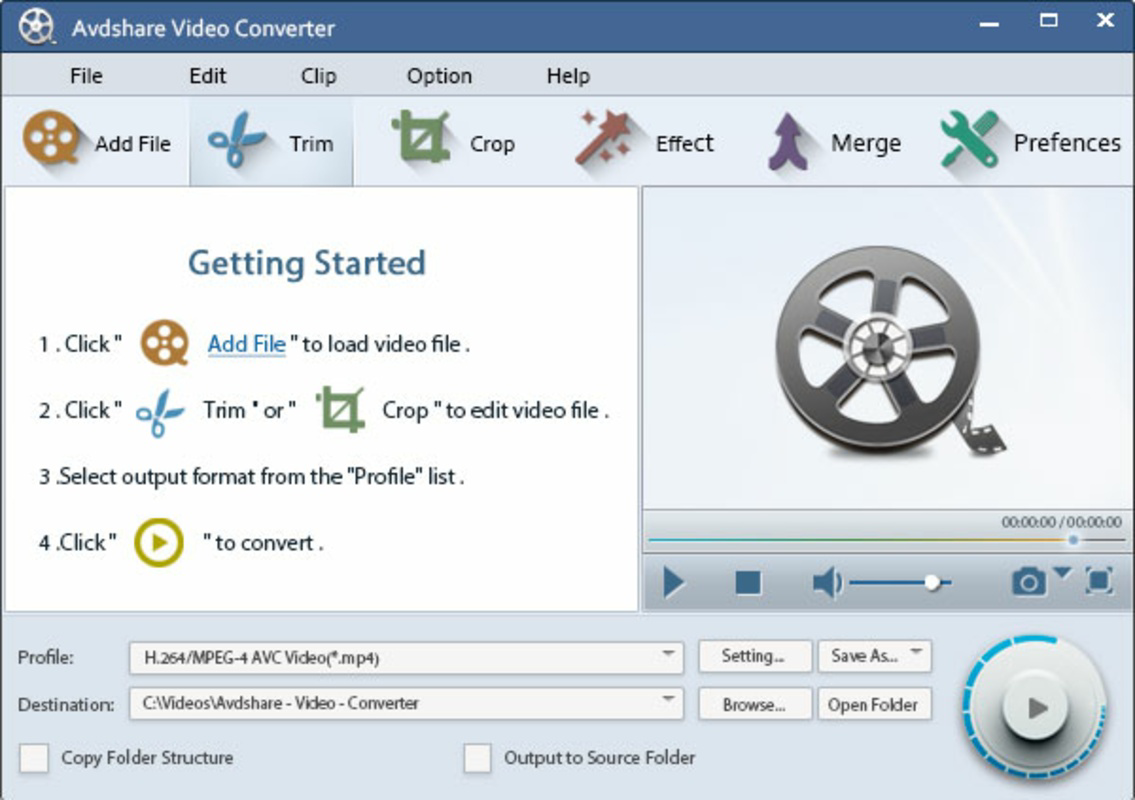
About Avdshare Video ConverterAvdshare Video Converter is an all-in-one tool designed for users needing to convert, edit, and play various video and audio formats. It supports a wide range of file types and provides powerful features for both conversion and multimedia management. The software is user-friendly and efficient, making it an essential fit for Windows users looking to simplify their media handling tasks. Features of Avdshare Video Converter - Extensive Format Support: Avdshare Video Converter can handle a vast array of video and audio formats, including WTV, AVCHD, MP4, FLV, MP3, AAC, and many more. This extensive support ensures that users can easily convert files without worrying about compatibility issues. Whether it's video or audio, you can trust this converter to get the job done. - Batch Conversion Capabilities: Users can convert multiple files simultaneously, saving valuable time and effort. Simply specify a folder and the desired conversion parameters, and the software will automatically process all files within. This feature is particularly beneficial for users with large media libraries that need updating. - Advanced Editing Features: Beyond conversion, Avdshare Video Converter offers editing tools to enhance your media files. You can trim, crop, rotate, and merge videos, along with adding effects and subtitles. These editing capabilities enable users to create polished final products without needing separate editing software. - Direct Playback Functionality: The software allows for direct playback of any supported video and audio files on Windows computers. This feature makes it easy for users to preview files before conversion or editing, ensuring they know exactly what they are working with. It's a convenient way to manage your media without having to rely on additional applications. - Device Compatibility: Avdshare Video Converter ensures that your media files can be played on various devices, including iPhones, iPads, game consoles, and Android smartphones. This compatibility makes it easy to share and view your converted files across different platforms and devices, enhancing your media experience. Release Date of Avdshare Video Converter 2024-01-17Reviewed by Jason K. MenardShow MoreShow Less

Guides & Tutorials for Avdshare Video Converter

How to install Avdshare Video Converter
  1. Click the Preview / Download button above.
  2. Once redirected, accept the terms and click Install.
  3. Wait for the Avdshare Video Converter download to finish on your device.
How to use Avdshare Video Converter

This software is primarily used for its core features described above. Open the app after installation to explore its capabilities.

User Reviews for Avdshare Video Converter 0

    No reviews found

Similar Apps
